View Fee Costs and Prices
To To view the Cost and Price for Access Fees and Surcharges, do these steps:
- Select Rates & Fees from the sidebar menu.
- Click the Fees tab and select the Fee Type:
- Surcharge
- Access Fee per IMSI
- Select My Fees from the Account drop down list to see your account fees cost or select one of your sub account to see its fees prices.
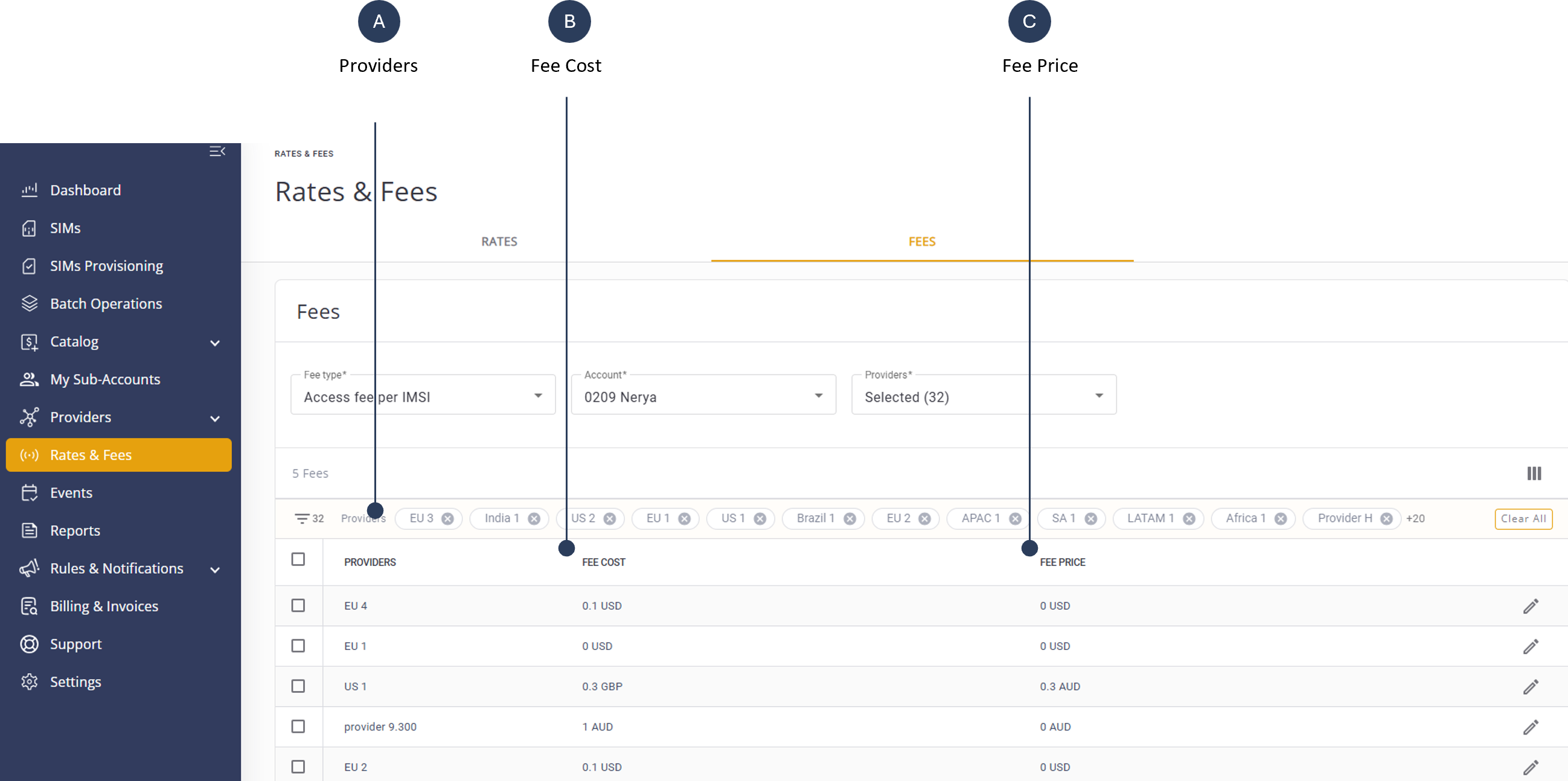
- Go to the Customize Columns control and select these fields:
- Fee cost
- Fee Price
- Click Save to display the Fee Cost and Price in the providers table.
A screen capture of the Fee Cost and Fee Price columns is shown here.